Your imagination.
A whole new frequency.
01 / THE SET LIST
Every idea has
more than one side.
A scene you can picture. A chorus you can almost hear. Start with the part that moves you.
01Make a scene.
AI VIDEO
Start with a sentence or a photo. Explore motion, stories and visual transformations.
A coral-red train glides above a turquoise sea. Track alongside the carriages, with clean afternoon light and white island architecture on the horizon.
02Find your sound.
AI MUSIC
Build a song from a mood, an idea or your own lyrics. Explore a new direction for your next soundtrack.
An upbeat electronic track for a coastal train journey. Warm analog synths, a steady driving rhythm and an open, sunlit feeling. Build gently toward a memorable chorus.
03Change the picture.
AI IMAGES
Generate a new image or transform a photo. Try a different scene, look or visual idea.
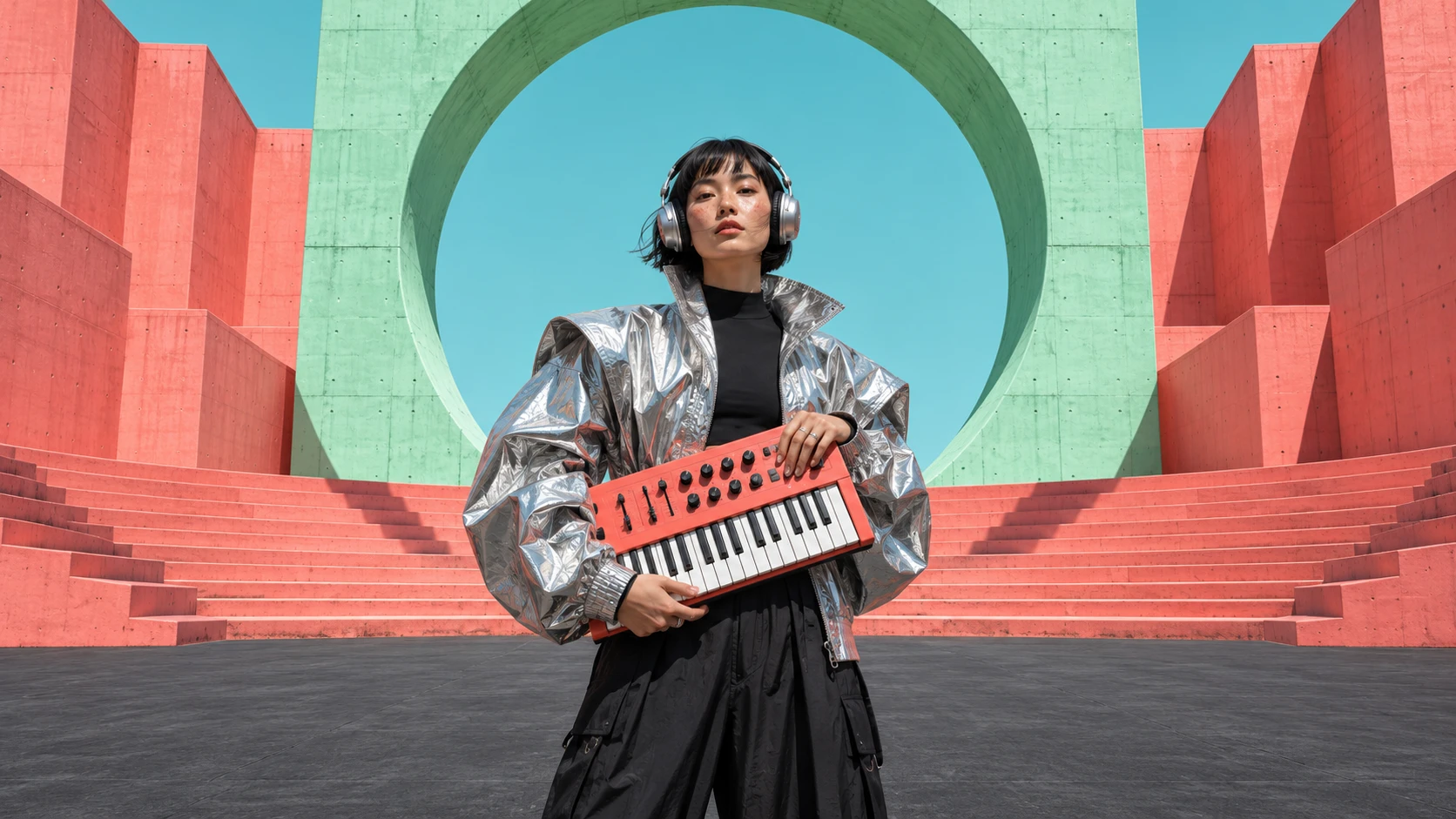
An editorial portrait of a musician in a silver jacket, holding a coral synthesizer inside a mint concrete amphitheater. Crisp natural light and clean architectural lines.

Let the sound
set the scene.
AI MUSIC VIDEOBring music and visuals into the same idea. Explore music videos with a track, a creative direction and optional photos.
Concept artwork, not actual app output.03 / POCKET EDITION
One app.
Many creative lives.
A closer look at the video, music and image tools.
Product images from Google Play.
Picture it in motion
Give the idea a sound
Make a new impression
04 / GOOD TO KNOW
Before you press go.
What can I make with TopMediAi?
Explore AI video, music and image creation, plus music-video tools that pair audio with visuals. Available tools and models can differ between Android and iPhone; check your version of the app.
Can I start with a photo or my own lyrics?
The app lists photo-to-video and image transformation tools, as well as music creation from ideas or lyrics. Use material you own or have permission to use, including the likenesses and voices of other people.
Is the app free?
The store listings include in-app purchases. Plans, credits, renewal terms and feature limits are shown in the app before purchase. This page does not sell a plan or promise unlimited generation.
How do I cancel a subscription or request a refund?
Manage a store-billed subscription through the Apple or Google account used to buy it. Uninstalling the app does not cancel a subscription. Refund eligibility is determined by the billing provider and applicable rules. Read purchase and refund guidance.
How do I delete my account or app data?
Check the app's account or privacy settings for an available deletion option. If you cannot find one or cannot access the app, contact its published support address, support@topmediai.com, to request account or data deletion. Do not send passwords or full payment details. Deletion and subscription cancellation are separate requests.
Are the images on this page made in the app?
The musician and coastal train are illustrative campaign artwork, not app-generated results. The three vertical product images come from the Google Play listing. AI output varies with the input, selected model and current app version.

THE NEXT IDEA IS YOURS.
Make something
worth feeling.
Available on Google Play and the App Store. In-app purchases apply.